
Women's smartwatch · round
REVONO AK107
Elegance that stays connected. Everything about your watch — calmly explained, in one place.
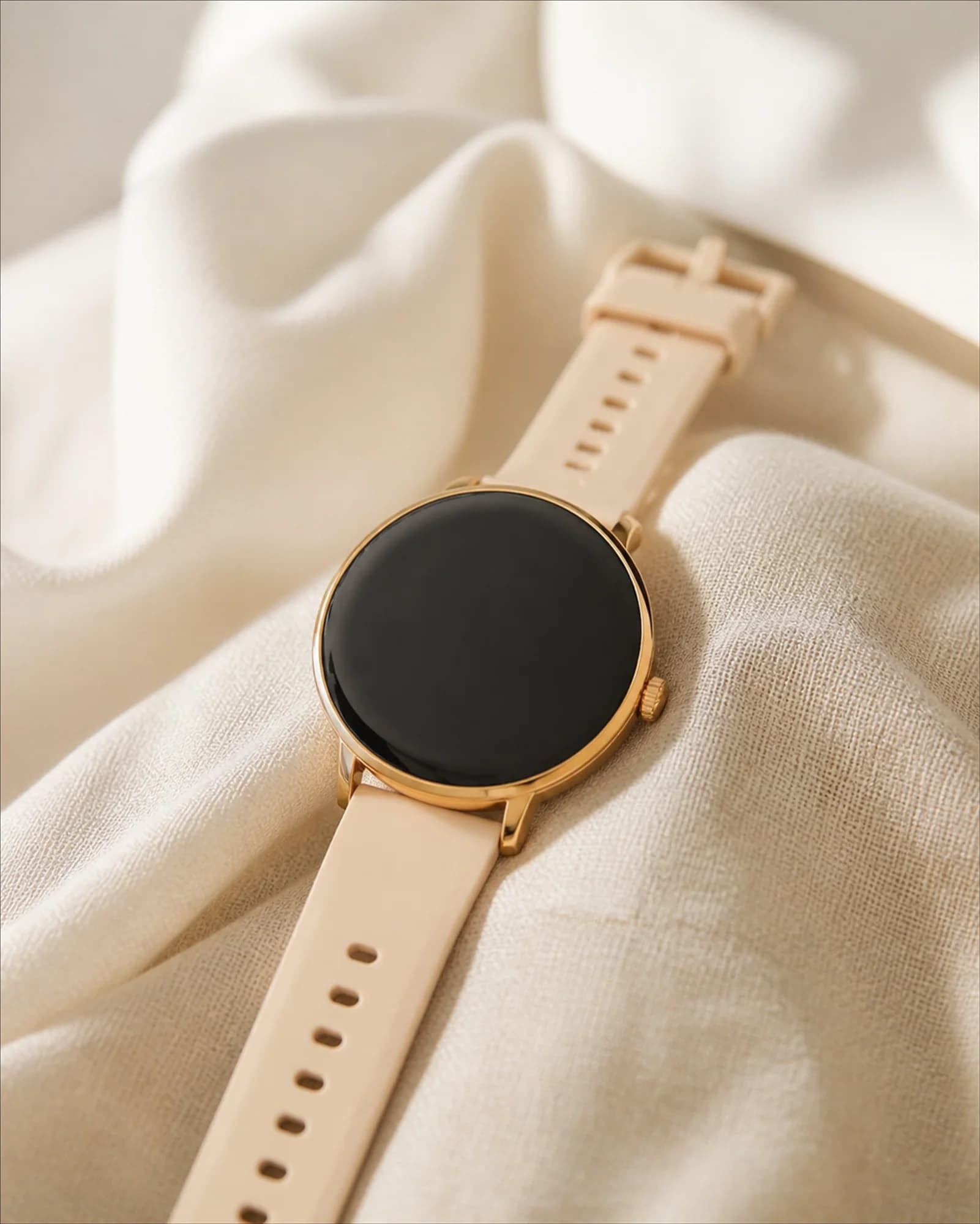 Gold · Silver
1.19″ AMOLED, 390 × 390 px
Display
Round, 38.8 × 38.8 × 8.5 mm
Case
18 mm, fits 155–228 mm
Strap
01
Start here
Four steps and the watch is ready to use.
- 1
Charge the watch
Attach the magnetic cable to the back of the case. A full charge takes about two hours.
- 2
Install the app
Open the app section on this page, or find FitCloudPro in your phone store.
- 3
Pair the watch
Pair the watch inside the app, not in your phone Bluetooth settings.
- 4
Allow notifications
Confirm the permissions in the app — without them messages will not reach the watch.
02
Discover the AK107
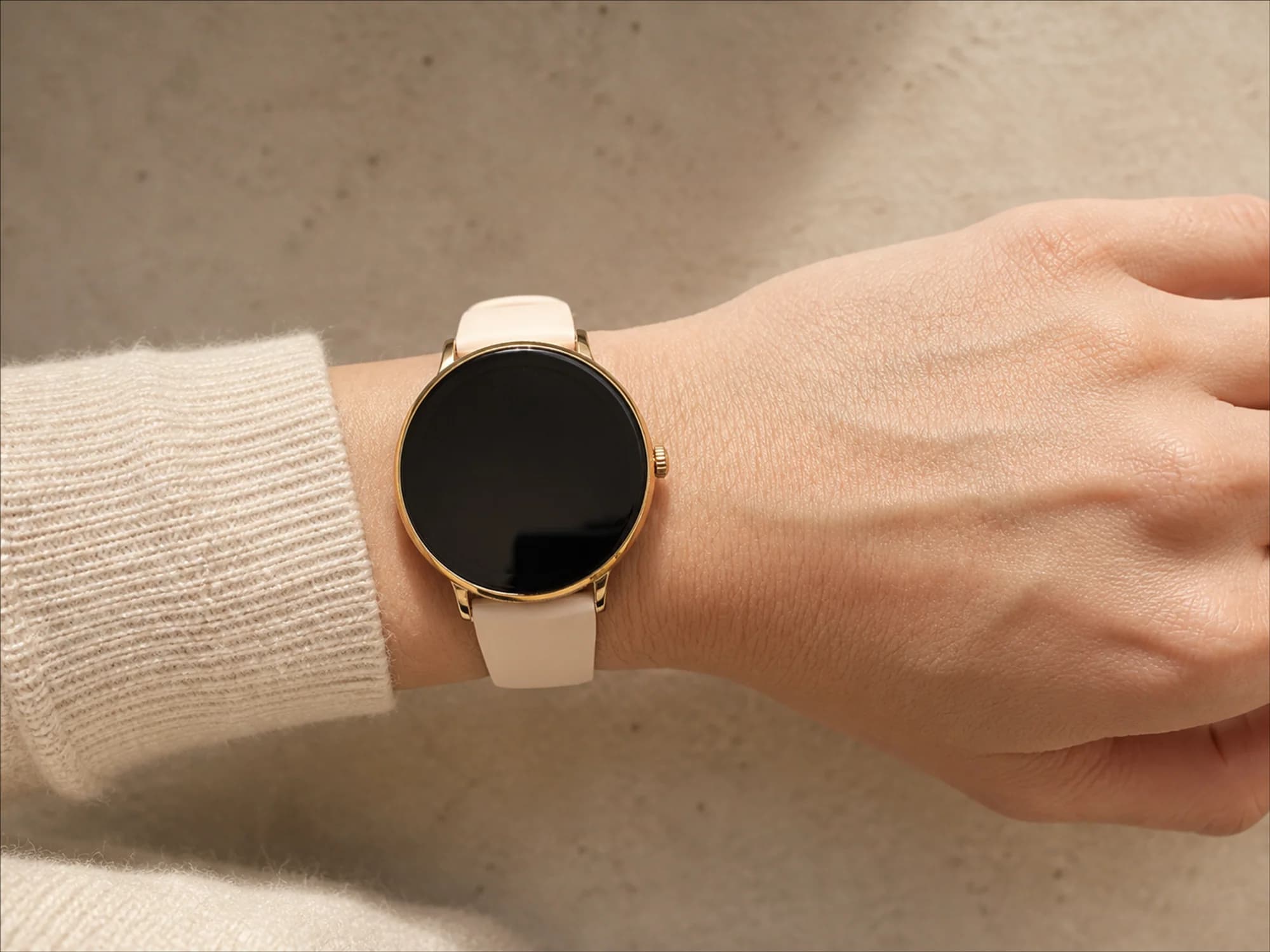
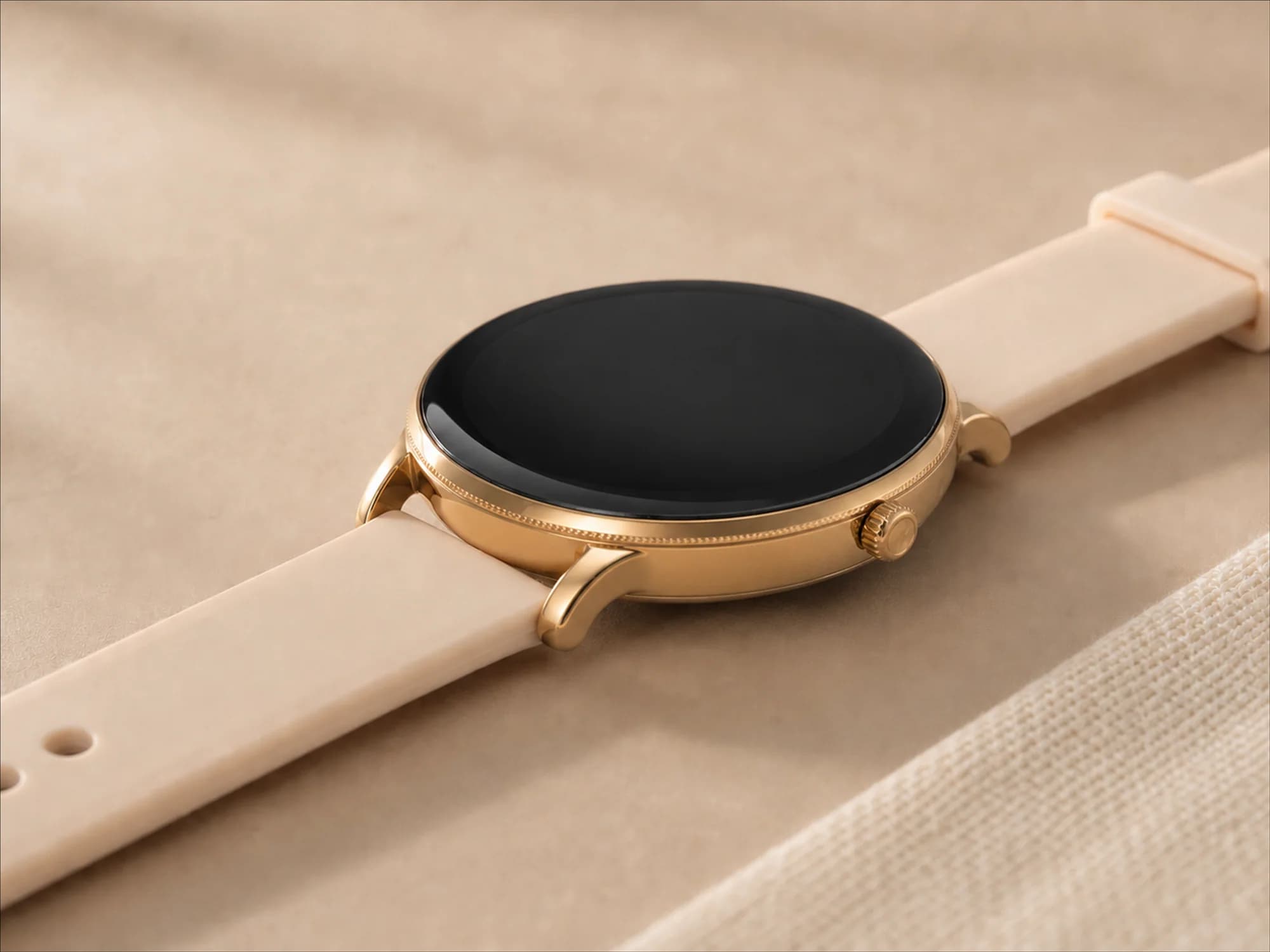
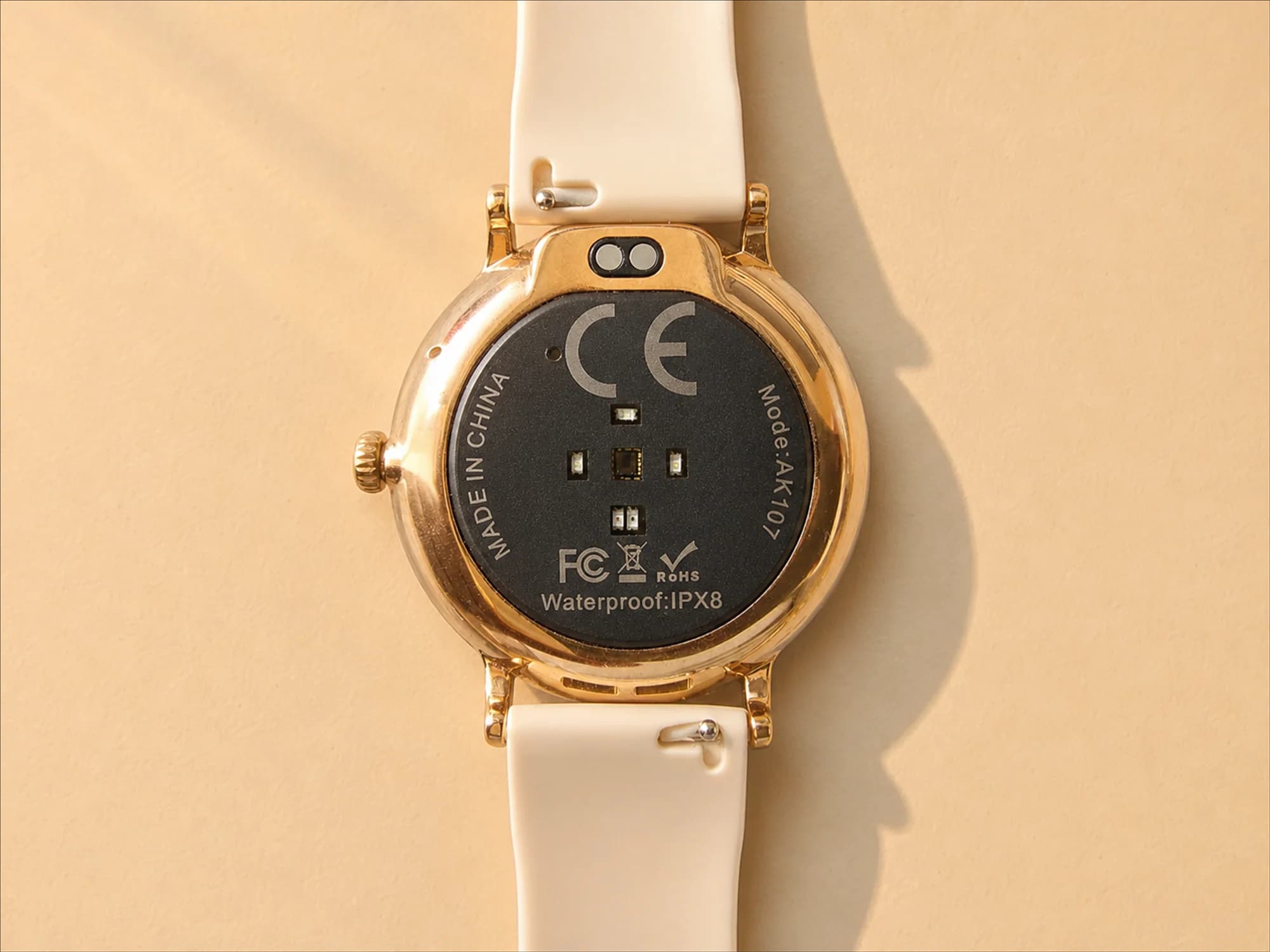
Elegant form and details made for everyday style.
03
Essential information
A concise AK107 specification.
- Display
- 1.19″ AMOLED, 390 × 390 px
- Case
- Round, 38.8 × 38.8 × 8.5 mm
- Strap
- 18 mm, fits 155–228 mm
- Straps included
- 4
- Battery
- 230 mAh / 3.7 V
- Water resistance
- IPX8
- Connectivity
- Bluetooth 5.2
- Charging
- Magnetic, 2-pin, USB 5 V
- Sensors
- Heart rate and SpO₂, accelerometer
- Workout modes
- 8 on the watch, 100+ in the app
- Watch faces
- 6 pre-installed, more in the app
- App
- FitCloudPro · Android 6.0+, iOS 9.0+
- Colours
- Gold, silver
AK107 smartwatch · 2× silicone strap · 1× mesh strap · 1× leather strap · magnetic charging cable · user manual
Heart rate, SpO₂, sleep and activity readings are for recreational and fitness use only. This watch is not a medical device and does not replace a medical examination.
04
Download the app
The app is called FitCloudPro. Open the store on your phone and install it.

FitCloudPro
Android 6.0+ · iOS 9.0+


05
User manual
Open the manual here or download the PDF file.
06
Common questions
Answers to what customers ask most often.
Is the watch waterproof?
The AK107 is rated IPX8: splashes, rain, washing your hands and brief immersion in fresh water are fine. It is not made for diving, swim training, sauna, steam room, hot or salt water. Do not press the buttons under water, and dry the watch before charging.
How long does the battery last?
Several days with normal use. Continuous heart rate measurement, high screen brightness and many notifications shorten it noticeably.
Does the watch work with iPhone and Android?
Yes. The app is called FitCloudPro and runs on Android 6.0 or newer and iOS 9.0 or newer. Install it from the App Store or Google Play and pair the watch inside the app.
What languages does the watch speak?
The watch menu is available in 20 languages: Simplified Chinese, English, German, Russian, Spanish, Portuguese, French, Japanese, Arabic, Italian, Czech, Greek, Hindi, Hungarian, Korean, Malay, Polish, Thai, Vietnamese and Ukrainian. Turkish is not in the watch menu — choose English or German there. After pairing, the watch usually takes the language of your phone.
Why are notifications not arriving?
Usually a permission is missing. Allow notifications for the app, exclude it from battery optimisation and let it run in the background.
Can I make calls from the watch?
Yes. The AK107 supports Bluetooth calling: once the watch is connected to your phone, you answer calls straight from your wrist — the speaker and microphone are built in. The connection is made with one touch.
Does the watch replace a medical device?
No. Heart rate, SpO₂, sleep and activity are recreational and fitness readings. For health questions, speak to a doctor.
07
Something not working?
The most common situations and the fastest way to solve them.
The watch will not connect to the app
Turn Bluetooth on, remove the watch from your phone Bluetooth settings and pair it again inside the app.
Calls are not working
Open the calls section in the app and switch calling on. Allow the app access to calls and contacts, then check that the watch shows as connected in your phone Bluetooth settings.
Notifications are not arriving
Confirm the permissions in the app and exclude it from battery optimisation.
The battery drains quickly
Lower the brightness, turn off always-on display and continuous heart rate measurement.
The screen stays dark
Put the watch on the charger for 30 minutes. Make sure the contacts are clean and dry.
The time is wrong
The watch takes the time from your phone. It corrects itself after connecting to the app.
The watch face will not change
Watch faces are transferred from the app. Keep the watch close to the phone while it transfers.
The app asks for permissions
Bluetooth, location and notifications are required for the watch to receive messages.
Something not working?
Please tell us your phone model, system version and briefly what happens.
Email usSafety and product data
Heart rate, SpO₂, sleep and activity readings are for recreational and fitness use only. This watch is not a medical device and does not replace a medical examination.
EAN: Gold — 5906549673024 · Silver — 5906549673116
SBS Europe Sp. z o.o., ul. Toruńska 145B, 85-880 Bydgoszcz, Polska, office@sbseurope.eu